
Overview
ScreenWhite is a free web tool that fills every type of display with a single, even white background. The product is accessible at screenwhite.app and is designed for both casual users and technical scenarios: video call lighting, a portable tracing light table, display maintenance and dead pixel checks, plus any situation where a solid empty screen is useful. No software installation, registration, or payment is needed. The website is available to anyone with a browser, and all page content is in English. According to the page footer and metadata, the tool is maintained by ScreenWhite and was last updated on 21 August 2026.
Services & Expertise
ScreenWhite's core capability is immediate, full-screen white, but it also bundles several related functions:
-
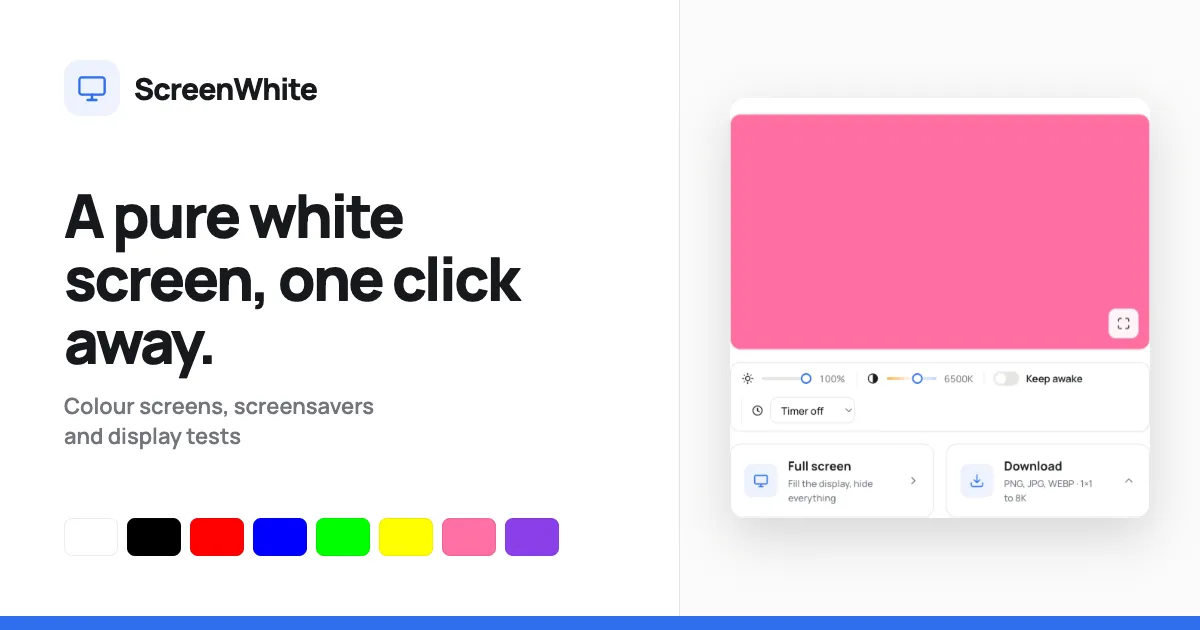
Instant full-screen mode: The main button, labeled Full screen, expands the browser output to cover the entire monitor with #FFFFFF. The page uses an inline style on the preview element, which means the browser paints the white color before stylesheets and scripts load, eliminating the white flash many similar tools produce. Pressing F also enters full screen, and pressing Escape exits.
-
Brightness adjustment: A slider lets users set display brightness between 10% and 100%. Reducing brightness is useful for eye comfort in dark rooms or for avoiding harsh light during video calls.
-
Color temperature adjustment: The colour temperature slider covers 2000K to 9000K. The page translates the Kelvin value into the exact RGB color instead of using a CSS filter, preserving true colors and avoiding unnecessary rendering work.
-
Keep awake toggle: The wake lock option uses the Screen Wake Lock API to ask the operating system not to put the display to sleep. The tool carefully releases the lock when the visitor leaves or hides the tab, and it disables the toggle on incompatible browsers.
-
Timer: A dropdown can turn off the white screen after 1, 5, 10, 20, 30 or 60 minutes. This feature works well for temporary backdrops, camera meetings, or automated presentations.
-
Image download panel: The tool offers downloadable white background images in PNG, JPG and WEBP format. Available dimensions cover standard HD, 2K, 4K, 5K, vertical mobile, square, an 8K option, and a single pixel. PNG files are encoded server-side as one-bit palette images, so even a 7680 by 4320 file has a surprisingly small file size. No watermark or account is attached.
-
Exact custom shade pages: Any six-digit hex code can be used by placing it after /screen/ in the site URL. This provides a clean way to send someone a precise background color; the named pages for white, black, red, blue, green, yellow, orange, pink, purple, cyan, magenta and teal are also included.
-
Broader screen toolbox: In addition to the white screen, the website presents a full collection of solid colors and utility tools, including a hacker typer, a fake Windows update, a fake macOS update, a broken screen effect, a blue screen of death, a DVD screensaver, Matrix rain, a flip clock, a dead pixel test, and a monitor uniformity test. An embeddable iframe allows third-party sites to display the same full-screen color tool in any page.
How They Work
ScreenWhite operates entirely in the browser and requires no user account or client onboarding. A visitor opens a color page and immediately sees the shade in a large preview. The first click on Full screen hides all other interface elements and fills the monitor. In a desktop browser, this uses the Fullscreen API; in Safari on iOS, the site instructs users to add the page to the home screen so it launches as a standalone web app that reaches edge-to-edge.
Brightness and warmth can be changed before full screen or while the white screen is active. Because the settings are adjustments to the actual color, altering warmth from 6500K to 4000K visibly shifts the screen from neutral white to a soft warm tone. The Keep awake control begins holding a wake lock after the user toggles it on; the browser drops that lock if the tab moves out of view, and the page reacquires it when the tab becomes visible again. The timer works by ending the full-screen presentation after the selected interval, which avoids needing a manual exit.
Downloads require choosing a format and a size, then pressing the download button. For PNG, generation happens on the server without storing the result; for JPG and WEBP, the browser locally encodes the image. Direct links appear below the panel for popular dimensions, making it easy to fetch the image programmatically or share a URL. There is no file storage, and the site has no upload path, so user data cannot leave the device. The whole page intentionally has no framework and under six kilobytes of code, which contributes to the fast first paint.
Ideal Client Profile
ScreenWhite's audience is broad, but the practical fit is easiest to see in five common use cases:
-
A remote worker or podcaster looking for an inexpensive fill light during video calls can set a laptop screen beside their face, adjust brightness to around 60%, and warm the temperature to blend with indoor bulbs.
-
An artist who works in a hotel room or without a light table can lay paper over a tablet or laptop showing the white screen and trace linework with minimal shadow.
-
A monitor buyer or repair technician can put the white screen on a new display to reveal dust specks and dead pixels, then run the website's dead pixel test, which cycles through multiple colors, for a complete panel check.
-
A presenter or teacher can use the blank white screen as a projection surface for giving instructions or can pair it with the fake update, broken screen, or Matrix rain pages to create a deliberate visual effect before a class.
-
A developer or content team that needs solid white assets can use the download generator to create images from a 1x1 pixel up to 8K in the desired format, without opening desktop design software.
Pricing & Engagement Models
ScreenWhite is free for everyone. There is no paywall, trial plan, or paid tier mentioned anywhere on the page. The tool promises no sign-up, no watermark, and no stored content. The layout contains reserved slots for ads, stating Ad slot reserved in the HTML, which implies the site may rely on advertising revenue while keeping the utility itself free.
Engagement is immediate and asynchronous. Visitors do not hire ScreenWhite; they visit, configure, and use the screen or download. The only repeatable integrations are the shared color URLs and the embeddable iframe, which allow the tool to become part of another site or workflow. Because there are no accounts, there is no billing relationship, subscription plan, or hourly rate.
Why Consider Them
ScreenWhite earns consideration for its speed, simplicity, and privacy. The underlying implementation is unusually careful: the color is inline in the HTML for first-frame rendering, brightness and warmth controls modify the actual RGB value, and the wake lock is only held while explicitly needed. The service works on phones, tablets, laptops, TVs, and desktop monitors, and it adds extras like downloadable images and multiple color shades without introducing clutter.
The main limitations are tied to the nature of a browser-based screen tool. Apple's iOS Safari does not allow direct Fullscreen API access, so mobile users need to add the website to the home screen. Keep awake depends on browser support and does not function when the tab is hidden. And although the site includes pranks and tests, it is not a substitute for professional lighting, color calibration software, or repair hardware. For anyone who simply needs a clean, adjustable white screen fast, ScreenWhite delivers that specific job free of friction.