Overview
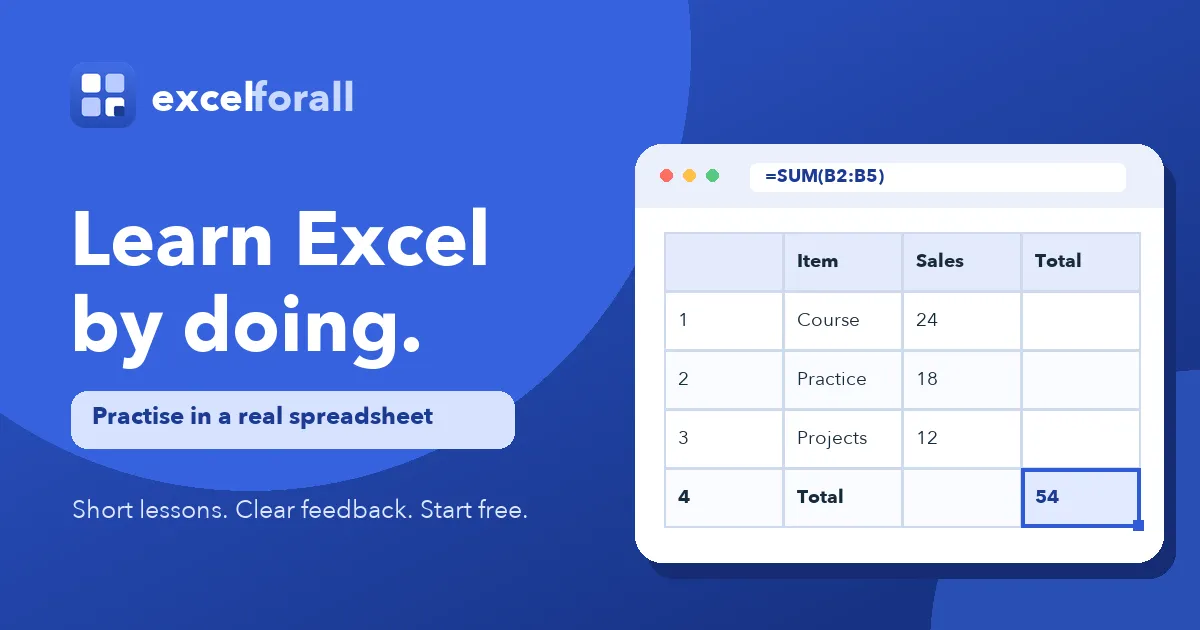
ExcelForAll is a browser-based Excel training platform built around practice rather than passive viewing. Every lesson opens a working spreadsheet and asks the learner to complete a specific task, on the premise that spreadsheet fluency comes from typing formulas into a real grid. The catalogue holds 84 exercises spread across 17 course parts, running from clicking a cell through references, logical tests, lookups, charts and practical challenges. Nineteen exercises are open without an account, a free account raises that figure to 46, and later parts require a paid plan. All written guides stay free to everyone.
What They Offer
The service pairs a spreadsheet engine with a fixed curriculum and a checking system that evaluates how an answer was produced, not only the value that appears in a cell.
-
Interactive spreadsheet engine: Exercises run inside a functioning grid in the browser, so learners click a cell, type a formula, press Enter and watch the calculation resolve exactly as it would in desktop Excel, with no download or licence required.
-
Method-based answer checking: The checker reads the formula stored in the target cell, which means an exercise asking for a SUM will mark a hand-typed total as incorrect even when the number itself is right.
-
Pre-written feedback and staged hints: Each common mistake carries an explanation written in advance by a person, so a wrong range or a missing row is named specifically, and hints release one at a time until the worked answer becomes available.
-
A sequenced 17-part curriculum: The path moves through Excel Basics, Cells and Ranges, Basic Formulas, SUM and AVERAGE, Cell References, IF and Logic, COUNTIF and SUMIF, Text Functions, Lookup Functions, Charts and Practical Challenges, with each part published on its own page so learners can jump directly to the skill they need.
-
Verifiable completion certificate: Finishing all 84 exercises earns a certificate in the learner's name that records completed parts and carries a public link for independent verification, issued without a separate certificate fee.
-
Free reference library: Nine written guides, a full function list, a keyboard shortcut reference, downloadable sample data and an assessment test sit alongside the course and remain openly accessible.
Who They Serve
ExcelForAll targets individual learners and workplace teams who need practical spreadsheet competence rather than theory. Typical users include career changers, students, analysts and operations staff who already face spreadsheets at work, plus managers rolling out Excel training across a team. Exercises run two to eight minutes each, so the format suits people practising in short gaps rather than in one sitting.