
Overview
BlazePDF is a desktop PDF reader and annotation workspace built specifically for students. The application gathers lecture slides, readings, revision notes, textbook chapters, research papers, and past papers into one focused environment, replacing the mix of viewers, browser tabs, and printing workarounds that often accompany a semester. The desktop reader works offline, does not require an account, and keeps local files stored on the student's own computer.
What They Offer
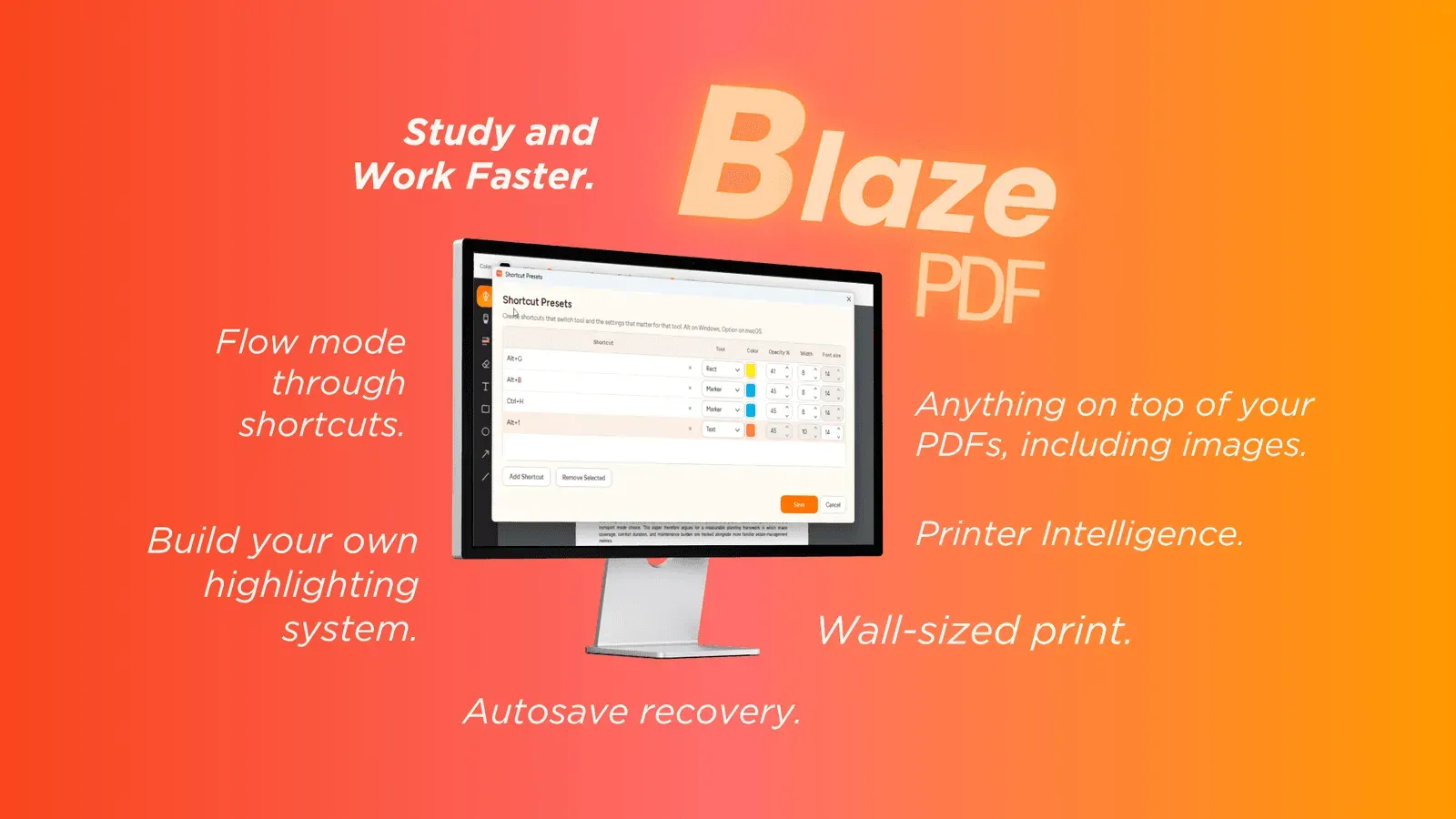
Flow Mode annotation. A keyboard-first annotation environment lets students mark up documents without leaving the keys, keeping attention on the PDF rather than on menus and toolbars.
Expanded markup toolkit. Pen and marker strokes, word-aware highlights, editable text boxes, shapes, arrows, lines, embedded images, erasing, undo, and redo are all available, and tool presets restore a chosen color, width, and opacity through a single shortcut.
Document and page controls. Students can insert blank pages, import images, reorder pages, search native PDF text, and export a visible PDF, while editable BlazePDF metadata keeps annotations changeable when a document is reopened.
Student-focused print workflows. Smart Duplex prepares two-sided output for printers that need a manual second pass and explains how to reload the paper, while Poster Enlargement converts one large diagram or PDF page into tiled sheets with a preview of how the pieces fit together.
Privacy-first local operation. Opening, reading, annotating, searching, and exporting run as local desktop workflows, optional account and AI OCR features begin only when a user chooses them, and document content is not used to train generalized AI models.
Who They Serve
BlazePDF targets individual students who work with dense academic material across a semester, including lecture slides, assigned readings, textbook chapters, research papers, and past exam papers. The focus is on personal study workflows rather than institutional deployment, and the product is offered as a free download for students alongside additional plan options.